

Business Services
Useful resources
Questions about our services? You’ve come to the right place. Check out our FAQ, watch our tutorials, or download helpful documentation.
Select the icon for the product for which you need support.
- Videos
Boost your business!
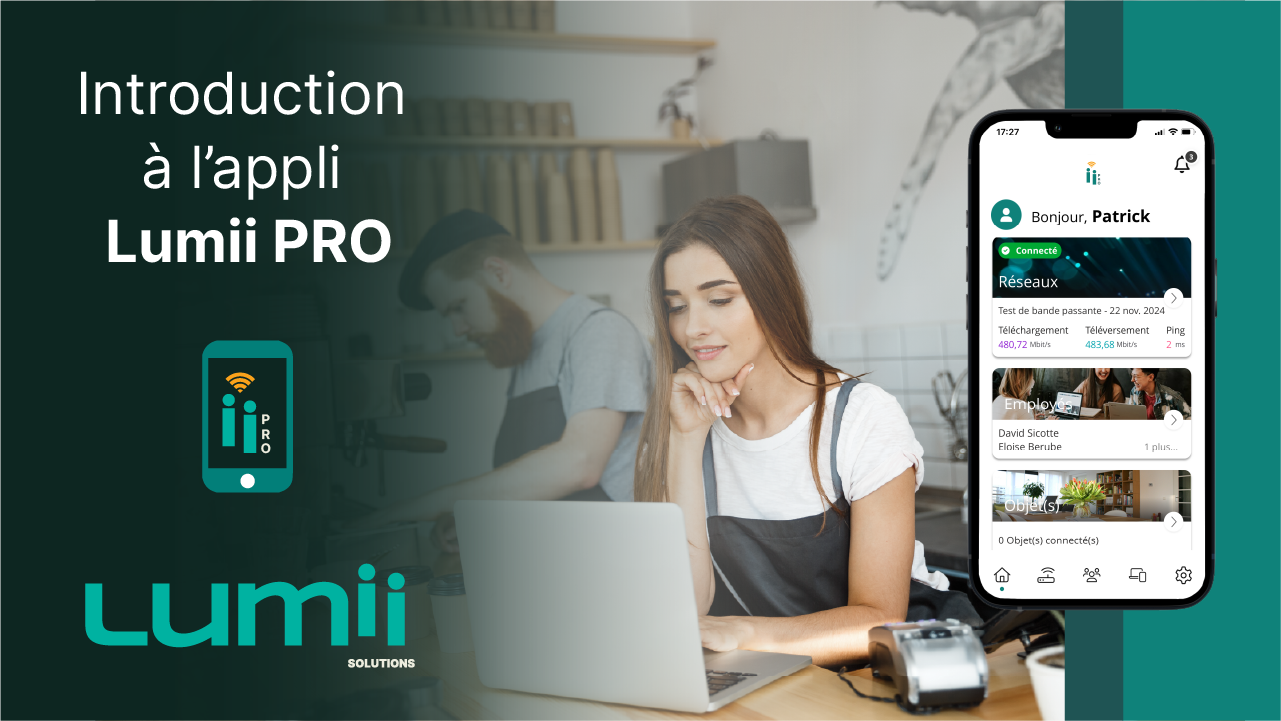
Introduction to the Lumii PRO app
- Documentation and guides
- Frequently Asked Questions
How to install the Lumii PRO WiFi app?
- From an iOS device: open the app in the App Store. From an Android device: open the app in Google Play.
- Click Install (or search for Lumii PRO in the search bar if necessary).
- Once the application is downloaded, open it and create your account.
What is the best place to install my Lumii router?
Ideally, place your router in the center of your home for more uniform Wi-Fi coverage and better performance with our services.
How do I configure my router?
- Open the Lumii WiFi app.
- Select Sign Up and create your account.
- Select your Lumii router and click Start Setup.
- Make sure your router is turned on:
- Turn it on;
- Connect the Ethernet cable to the WAN port;
- Wait about 10 minutes;
- When the green light turns on, your router is operating.
- Locate the QR code at the bottom of your router and scan it using the app.
- Name your network and create a password.
- You can now take control of your network.
- Videos
How to set up your Viiv TV set-top box
How to record a show, an episode, or a series
How to set up Viiv TV on your Apple TV
- Documentation and guides
- Frequently Asked Questions
How do I install my Viiv TV decoder?
- Ensure your Lumii router is set up and your Wi-Fi network is enabled before starting the installation. The green light indicates that your router is operational.
- Connect the HDMI cable to the HDMI port on your set-top box and to the one on your TV.
- Connect one end of the power supply unit to your set-top box, then plug the other end into an electrical outlet. The indicator light on your set-top box will turn red for 5 seconds before switching to pale blue.
- Turn on your TV, then select the appropriate HDMI source.
- Follow the on-screen instructions to successfully connect to your Wi-Fi network, then proceed to set up your set-top box and voice remote.
Do you have a Google account? Link it to your set-top box during setup.
Don’t have a Google account? Proceed to the next step. Your TV platform and remote control are now operational. - Log in to your Lumii account by entering your username (found in the General Billing Details section) and your password (the same one used for your Lumii Solutions Client Portal).
Need to retrieve your password? Visit your Client Portal
How do I set up my Viiv TV set-top box?
You can view the installation video available here.
How do I record a show (episode or series)?
Pour plus de détails sur les enregistrements, veuillez consulter le Guide sur les enregistrements.
- Press the Guide button on your remote control.
- Use the arrows on your remote control to navigate to the program you want to record.
- Press the OK button, then select Save.
- Then choose:
- Save only this episode
- Save only this episode
- Save all episodes
- Select New items only or New items and reruns
- Select Extend to add time (5, 10, 30, or 60 minutes)
Use the OK button on the remote control to change an option
- Each channel imposes its own restrictions. Some do not allow fast-forwarding through their on-demand content.
Do I need to have Internet with my TV service?
Yes, you must have an active Internet service to use the television service.
Why are some channels not accessible outside my home?
This is due to restrictions imposed by channel providers, who determine broadcasting rights outside the home.
Why can't I fast-forward when watching replays from certain channels?
Each channel imposes its own restrictions. Some do not allow fast-forwarding through their on-demand content.
What is a stream?
Streams are the means by which we transmit channel content or signals to your devices. One stream corresponds to one active stream per device.
How many streams can I have?
Your service includes 3 streams, allowing you to watch on 3 devices simultaneously. Each device can record as many programs as you wish while you are watching a program on that stream. To increase this number, a fee of $2.50 per additional stream can be added to your bill, up to a limit of 7 simultaneous streams.
Can I use a remote control other than the Viiv TV one for my TV service?
Yes, you can use any Bluetooth or infrared (IR) remote control. However, technical support only covers the Viiv TV remote control.
Can I change the channel using the voice control on the Viiv TV remote?
No, currently voice control only allows you to control the set-top box’s Android apps, such as Netflix, Amazon, or YouTube. An update will soon enable channel changing via voice control.
On which devices is the Viiv TV app available?
Available on Apple, Android, and Amazon devices, web browsers, and our set-top box. Please consult the list of compatible devices for full details. Coming soon for LG and Samsung.
Is the Viiv TV app available on Roku?
No, the app is not available on Roku devices.
Is the Viiv TV app available on Roku?
On the set-top box provided by Lumii Solutions, the connection is automatic. On other platforms (Android, Apple, Amazon, LG, Samsung, and Web), use your Customer Area username and password.
I no longer remember my network name or Wi-Fi password.
- The network name and Wi-Fi password can be found on the bottom or back of your router.
- If you have a Lumii router, you can change your password using the Lumii WiFi or Lumii PRO app.
- You can also contact technical support.
How many user profiles can I create?
You can also contact technical support.
How do I change the language of the Viiv TV app?
- You can create up to five (5) user profiles in the Viiv TV app.
- On a phone, tablet, or smart device, change the language in the system or device settings.
- For the web version, change the browser language.
What happens when I reach the recording hour limit?
When the storage limit is reached, the system automatically deletes the oldest recordings to free up space.
Remember to delete recordings you no longer need or to increase your recording capacity (100 or 200 hours) to avoid automatic deletion.
Why are my recordings missing?
Your recordings may have been automatically deleted.
When the storage hour limit is reached, the system deletes the oldest recordings to make room for new ones.
Consider deleting recordings you no longer need or increasing your recording capacity (100 or 200 hours) to prevent this from happening again.
How long can I keep my recordings?
Consider deleting recordings you no longer need or increasing your recording capacity (100 or 200 hours) to prevent this from happening again.
Can I customize the color of the guide?
No, no customization is possible.
Can I customize the color of the guide?
No, a profile must be selected.
- Documentation and guides
- Frequently Asked Questions
Has iHR Télécom been acquired? Why is the company changing its name?
No, IHR Télécom has not been bought.
For Lumii Solutions, the change in identity stems from our company’s new strategic direction: to become a key player in economic development and digital transformation within the communities we serve.
Our company maintains its status and mission as a non-profit organization and is more committed than ever to offering and developing products and services related to fiber optics:
- Our company maintains its status and mission as a non-profit organization and is more committed than ever to offering and developing products and services related to fiber optics:
- At the cutting edge of technology;
- Aiming to improve the quality of life of citizens and the performance of businesses in these communities.
Why is the company repositioning itself in the market? What does it offer that is different from before?
- A high-performance fiber-optic network:
Over the past two years, our company has invested significant sums in expanding and upgrading its fiber-optic network. As of 2025, our infrastructure is much more robust, reliable, and fast than before.
Our company can now offer its customers state-of-the-art connectivity services, ensuring faster connections, greater stability, and an uninterrupted online experience.
- Implementation of a new governance structure:
The new brand identity also reflects a new governance structure, with the implementation of a:- Management Committee: composed of seasoned professionals in their respective fields.
- New Board of Directors: composed of businesspeople committed to the economic development of the Haut-Richelieu and Brome-Missisquoi regions.
This change in strategic leadership marks a turning point for the company, aiming to strengthen its positioning and drive ambitious initiatives for local regions.
Why Lumii Solutions? What does it mean?
We chose this name because we wanted to highlight not only our fiber-optic products and services but also our corporate philosophy. To us, every client is unique. We strive to fully understand their needs and address them with the most relevant solutions possible. Needs in rural areas can be complex, and we do not hesitate to innovate and use ingenuity to meet them by designing specialized, custom-tailored installations.
- Why Lumii?
The word “Lumii” evokes light—the essential energy behind fiber optics, the technology used by the company. Light, in turn, reflects the transparency, creativity, and flexibility that are key values for the company.
- Why Solutions?
Our company operates within a clearly defined territory that presents its own set of challenges—whether due to the remote location of residences, the specific characteristics of local businesses, or the unique needs of the industrial and agricultural sectors. We have the capacity to provide tailored, customized solutions.
What new services will be offered by Lumii Solutions?
In addition to continuing to provide Internet, television, and IP telephony services to residents and businesses in the Haut-Richelieu and Brome-Missisquoi regions, Lumii Solutions is expanding its operations by actively engaging in digital transformation projects aimed at improving citizens’ quality of life and business performance.
These digital transformation projects will enable us to offer our clients innovative technological solutions in key sectors, such as:
- Home healthcare: a range of digital solutions for monitoring the vital signs of patients and the elderly at home.
- Agriculture: offering digital solutions to optimize farm management, improve yields, and facilitate resource management.
- Agritourism and tourism: providing digital solutions to connect sector stakeholders, enhance the visitor experience, and facilitate the management of local infrastructure.
- Businesses of all sizes: an offering of digital solutions to optimize their processes, manage their logistics, and develop new business opportunities.
What new services will be offered by Lumii Solutions?
Thanks to the significant investments made in fiber-optic network infrastructure over the past two years, our company can now offer you high-performance connectivity services. This translates into:
- A better Internet experience:
- Faster connections, better stability, and an uninterrupted online experience;
- Symmetrical download and upload speeds (in other words, if you subscribe to the 700 Plan, you will get 700 Mbps for downloads and 700 Mbps for uploads)
- Unlike many telecommunications companies that offer significantly lower upload speeds.
- Unlike many telecommunications companies that offer significantly lower upload speeds.
- Introduction of 700 Mbps and Giga Fiber plans for residents and businesses. Entry-level plan upgraded to 100 Mbps at no extra cost.
- A state-of-the-art television platform (the most advanced in North America):
- Advanced features such as 36-hour catch-up, viewing on smart devices, voice-controlled remote, restarting a program in progress, video on demand, and viewing away from home.
Will this change of identity have an impact on internet package prices?
- As with most companies, the inflation rate, along with rising material and equipment costs, led to an increase in our rates in 2025. The price of our plans has therefore increased by $4.95, with the exception of the basic plan, which remains at $49.95. It is important to note that this rate increase is not related to the rebranding of IHR Telecom, but rather to the realities of the financial market.
- That said, in order to always offer excellent value for money to our customers and to meet their growing demand for internet speeds, IHR Telecom (now Lumii Solutions) has decided to offset the price increase by offering our customers more speed for this new price. For example: Our customers subscribed to the 500 Mbps Fiber plan will see their bill increase from $65 to $69.95 in July 2025, but will be automatically transferred to the new 700 Mbps plan.
What changes can I expect as a current customer when IHR Télécom becomes Lumii Solutions? Do I need to do anything to prepare for this?
- The main change to expect relates to communications. Following the launch of the new brand, communications you receive from our company will bear the Lumii Solutions name and branding. These communications include a) postal mail, b) invoices, c) newsletters, d) informational emails, e) promotions and special offers, and any other customer-facing communications.
- We also suggest checking your spam folder during the first few months to ensure no communications from Lumii Solutions end up there. If you find any, we recommend moving the email to your inbox and adding the email address to your address book.
Contact us
Want to get in touch with our team? Give us a call or send us a message — we’ll be happy to hear from you.
Need help?
Visit our online Help Center for tutorials, FAQs and downloadable how-to guides.
Chat with our team
Monday to Friday,
from 10 a.m. to 12 p.m.
and from 2 p.m. to 4 p.m.