

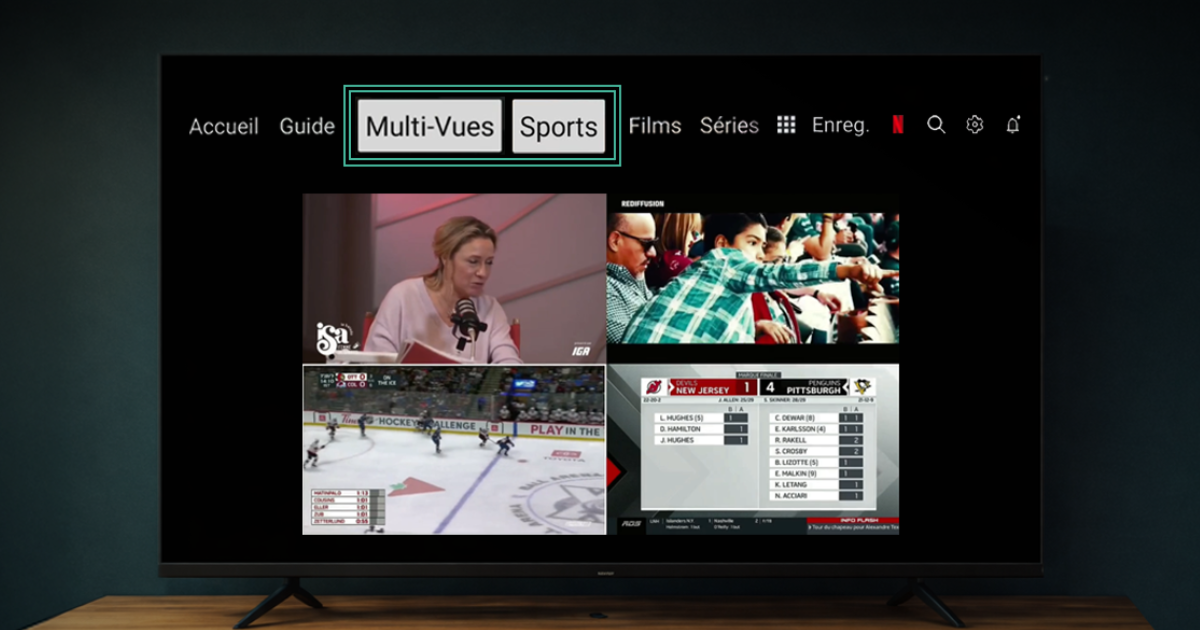
Get ready for your favorite sports with the Multi-View and Sports sections.
Whether it’s the playoffs, the Winter Games, or the Super Bowl, Viiv TV enhances your experience by letting you watch multiple events at the same time and access all sports content with just one click 👇
👀📺 Multi-View: Watch 4 channels at the same time!
Perfect for watching multiple live games, comparing performances, or keeping up with your favorite series!
1 How to Set Up Your Multi-View Channels:
- Press the TiVo button on your remote control.
- Select the Multi-View section (the last four channels you watched will automatically appear).
- Press the “Guide” button on the remote control and select a channel of your choice or enter the channel number.
- Tap “Watch.”
- Let the channel play for at least 15 seconds – this will add it to your Multi-View
- Repeat these steps for the other channels you want to include.
🥇 🏆 The Sports Section: Access all our sports content with just one click!
Accessible from your Viiv TV menu, the Sports section gives you quick access to sports channels, organized by categories such as hockey, soccer, golf, and many others.
- Press the TiVo button on your remote control.
- Select the Sports section. *
- Use the arrow keys on your remote control to navigate through the sports categories.
* The “Sports” section lists all the channels available on Viiv TV. You may need to add certain channels to your TV package in order to watch them.